Start a new file or import an existing
.mn,
.mod, or
.mdlzmodel.
New here?
Plan your database visually
Modelizer Next helps you draw the structure of a database before you build it. Add tables, add fields, connect related data, and switch between conceptual, logical, and physical views as your model gets more precise.
It is also built as a drop-in replacement for other Modelizer tools such as Modelizer and modelizer.lu. You can keep the workflow you know, open existing work, and use a cleaner, more modern interface.
Add tables, fields, comments, and links. Use the toolbar, shortcuts, or direct mouse gestures.
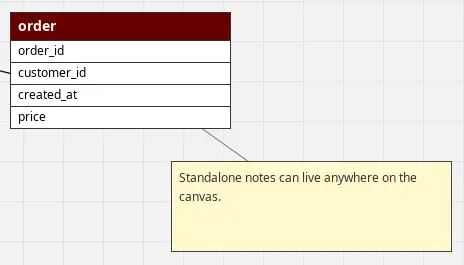
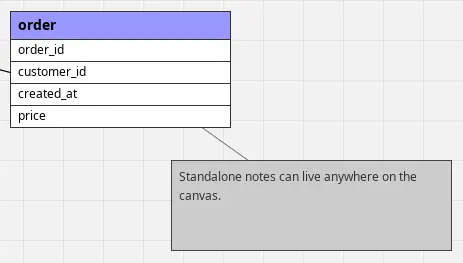
Use Style Palettes to quickly style your elements and keep diagrams readable and consistent.
Open existing Modelizer work, avoid the clunky UI feeling, and keep working in a clean desktop app.